
Famous (#ff00ff) Color Information
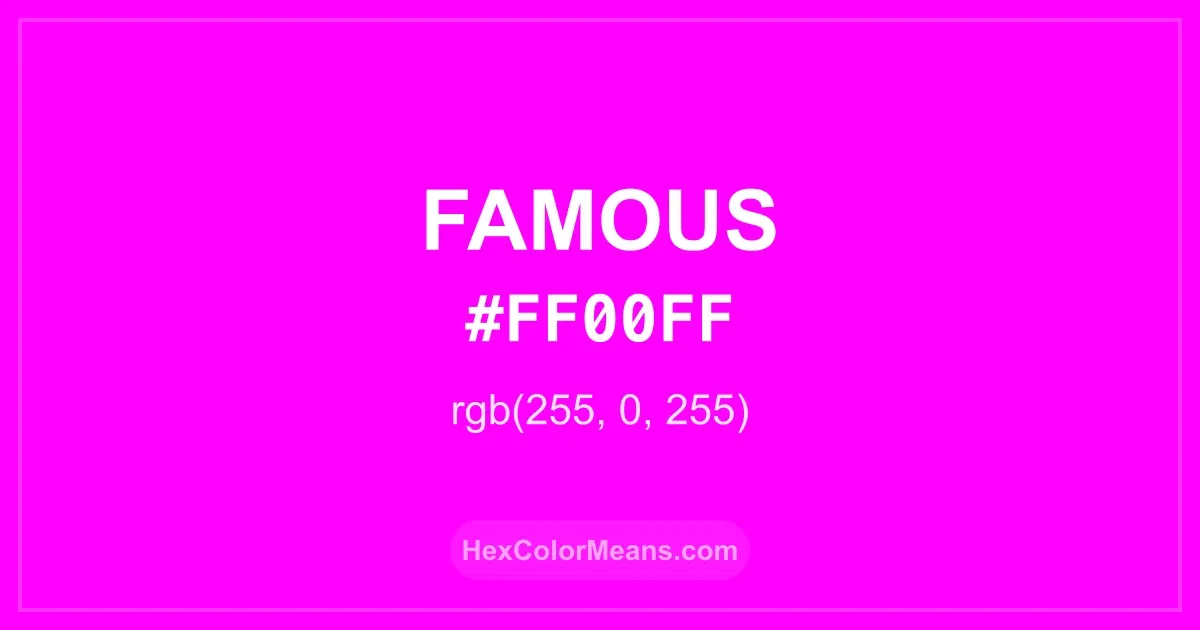
Famous (#ff00ff) RGB value is (255, 0, 255). The hex color red value is 255, green is 0, and blue is 255. Its HSL format shows a hue of 300°, saturation of 100%, and lightness of 50%, while the CMYK process values are 0%, 100%, 0%, and 0%.
Colors that pair well with Famous (#ff00ff) include Violet (Color Wheel) (#7F00FF), Neon Pink (#FF0080), and Lime Flash (#80FF00), as they maintain visual balance and harmony, whereas Yellow (#FFFF00), Cyan (#00FFFF), and Laser Green (#39FF14) tend to conflict with this color due to strong contrast or opposing tonal characteristics.
Famous (#ff00ff) Color Meaning
Famous (#FF00FF) is a bold magenta, a mix of intense pink and purple. It belongs to the neon spectrum, exuding energy, creativity, and flair. This color draws immediate attention and is often associated with artistic expression and individuality. Historically, bright magenta has been a symbol of innovation and nonconformity. Famous (#FF00FF) embodies the vibrancy of modern pop culture and digital aesthetics. Its intensity conveys confidence, boldness, and modern glamour. In fashion and advertising, it is used to signal creativity and strong personality. Famous (#FF00FF) also carries cultural symbolism. In Western media, it is linked to celebration, pop art, and digital culture. Its vivid tone attracts the eye and energizes surroundings, making it ideal for statement pieces and branding. The color's audacity encourages exploration and imaginative expression across art, design, and social identity.
Color Conversion
Accurate conversions of Famous (#ff00ff) across RGB, Hex, CMYK, HSL, and Lab ensure consistent color fidelity across digital, print, and design applications.
RGB Values & CMYK Values
Detailed RGB and CMYK values of Famous (#ff00ff) displayed in a horizontal bar provide clear reference for digital and print color accuracy.
RGB Channels
CMYK Ink Density
Color Variations
A full range of Famous (#ff00ff) variations, including tints, shades, and tones, provides highlights, depth, and subtle desaturated options for UI design.
Color Harmonies
Harmonious color schemes for Famous (#ff00ff) created using the color wheel ensure visually balanced palettes.
Analogous
Colors adjacent on the color wheel (30° apart)
Complementary
Colors opposite on the color wheel (180° apart)
Split Complementary
Three colors using one base hue and the two hues beside its opposite
Triadic
Three colors evenly spaced (120° apart)
Tetradic
Four colors forming a rectangle on the wheel
Square
Four colors evenly spaced (90° apart)
Double Split Complementary
Four colors formed from two base hues and the colors next to their opposites
Monochromatic
Variations of a single hue
Contrast Checker (WCAG)
Luminance contrast ratios for Famous (#ff00ff) against standard backgrounds ensure readable, accessible text following Contrast Checker and WCAG 2.1 AA/AAA standards.
Sample Text
This is how your text will look with these colors.
Large Text (18pt+)
Normal Text
UI Components
Color Blindness Simulator
Simulated views of Famous (#ff00ff) for different color vision deficiencies help identify potential confusion using the Color Blindness Simulator.
Normal Vision
protanopia
Note: These simulations are approximations. Actual color vision deficiency varies by individual.
CSS Examples
Background Color
Text Color
Sample Text
Border Color
Box Shadow
Text Shadow
Sample Text
Gradient
Seamless Patterns
High-resolution seamless patterns featuring Famous (#ff00ff) provide ready-to-use backgrounds, wallpapers, and print designs for any project.
Icons
A collection of popular icons in Famous (#ff00ff) offers ready-to-use visuals for interfaces, designs, and creative projects.
Real-World Applications
Real-world mockups of Famous (#ff00ff) showcase its versatility across fashion, interiors, branding, and product packaging.
Useful Color Tools
A curated set of tools to help apply, analyze, and manage colors effectively in your projects
Famous (#ff00ff) Color FAQs
Frequently asked questions about Famous (#ff00ff) color meaning, symbolism, and applications. Click on any question to expand detailed answers.