
How to Generate Palettes
Using our interactive generator is the fastest way to turn inspiration into actual design data. Follow these simple steps:
- 1Upload a photograph or design asset using the 'Upload Image' button.
- 2Our algorithm will instantly analyze the chromatic distribution of the asset.
- 3Use the dropdown to increase or decrease the number of colors in your palette.
- 4View the visual breakdown of color weights in the distribution chart.
- 5Export the entire scheme as a text file or explore individual colors in-depth.
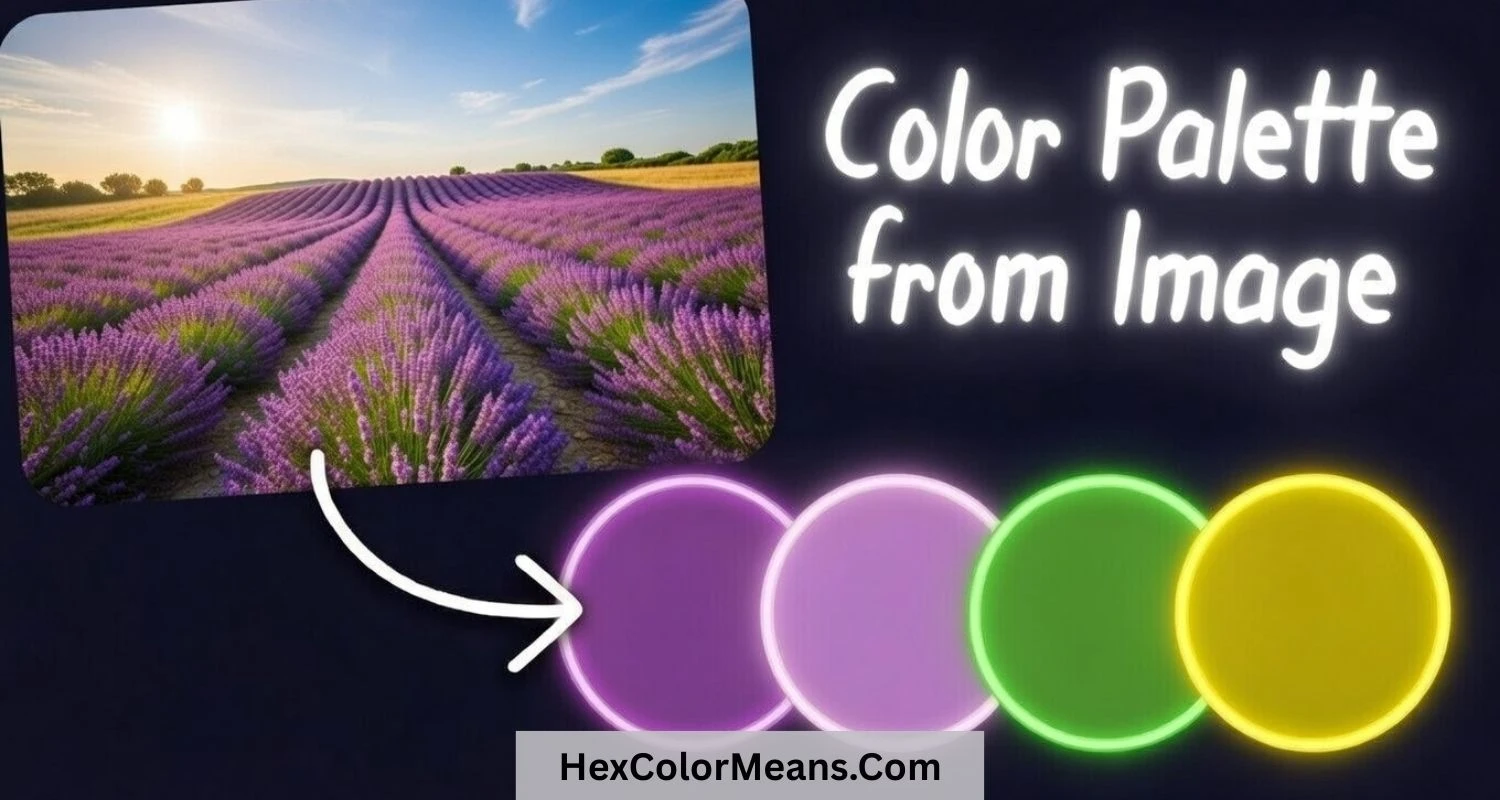
Why Use an Image Palette Generator?
Color is the "soul" of any visual narrative. An image palette generator bridges the gap between raw intuition and mathematical precision, allowing you to harvest the exact chromatic relationships found in nature, fine art, or professional photography. By extracting consistent color scales, you ensure your branding and designs resonate with the same emotional impact as your reference inspiration.
Furthermore, our tool automates the tedious work of manual color selection. Algorithmic extraction ensures that dominant hues are weighted accurately, preventing human bias from ignoring subtle but essential accent pigments. This scientific approach to palette building is the key to creating cohesive and professional digital environments.
Professional Color Harmonization
Quantized Distribution
Our algorithm doesn't just pick pixels; it identifies clusters that define the visual mood, ensuring your palette captures the 'soul' of the image.
Real-time Sensitivity
Dynamically adjust the number of extracted colors to find the perfect balance between primary tones and subtle accent hues.
Pro Tip: Use photographs with varied lighting but consistent hues to extract a palette that scales gracefully across shadows and highlights.