
How to Extract Colors
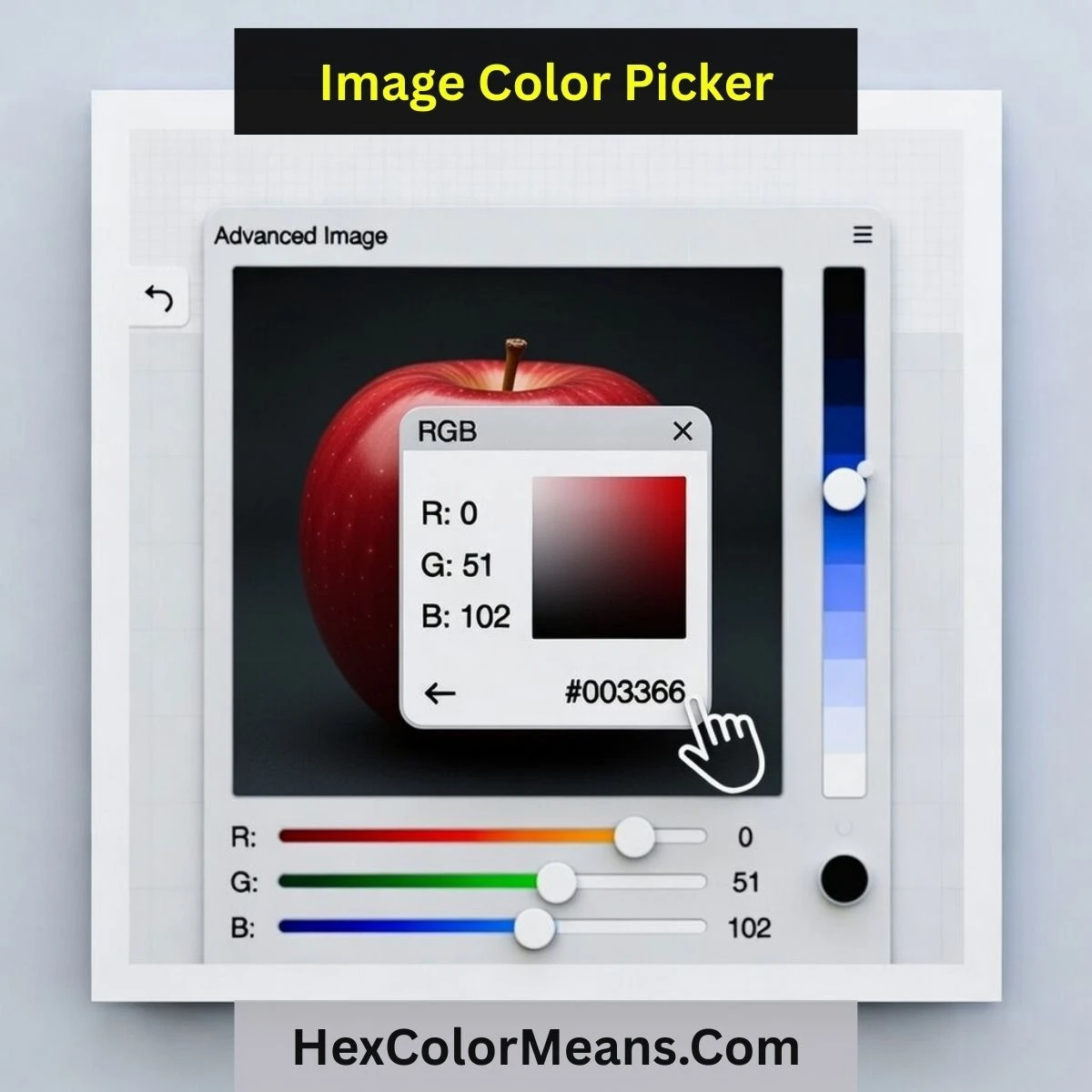
Our high-fidelity extractor makes it easy to harvest palettes from your visuals. Follow these steps for precision results:
- 1Click 'Upload Image' and select your local JPG, PNG, or WEBP file.
- 2Directly move your cursor over the image—the magnifier will show exact pixels.
- 3Click anywhere on the visual to lock in the desired color value.
- 4Instantly receive HEX, RGB, and HSL codes in the sidebar breakdown.
- 5Export your entire picked palette or explore individual hues in detail.
Why Use a Local Color Picker?
Professional design requires both precision and security. By processing your images locally using your browser's internal Canvas API, we ensure that your proprietary assets never touch an external server. This "privacy-first" architecture is essential for commercial projects where data security is non-negotiable.
Furthermore, direct extraction avoids the color degradation associated with secondary screenshots or compression. You receive the raw, original pixel data, guaranteeing that the brand colors you extract are 100% accurate to the source file. High-fidelity extraction is the foundation of a professional design workflow.
Professional Color Extraction
Local Privacy Architecture
Proprietary browser-based processing ensures your creative assets remain entirely on your machine, never reaching the cloud.
Raw Pixel Analysis
Extract direct source values from JPG, PNG, and WEBP files, avoiding the color degradation typical of standard screenshots.