How to Use the Color Wheel
Using our interactive chromatic wheel is simple and efficient. Follow these steps to generate professional palettes for your next project:
- 1Select a base color from the center wheel or enter a Hex code in the input box.
- 2Choose a harmony type from the dropdown menu to see related colors.
- 3Adjust the saturation and luminance sliders to refine the mood of your palette.
- 4View the updated color combinations instantly in the breakdown section below.
- 5Click any color code to copy it to your clipboard for use in your code or design tool.
Why Use a Color Wheel?
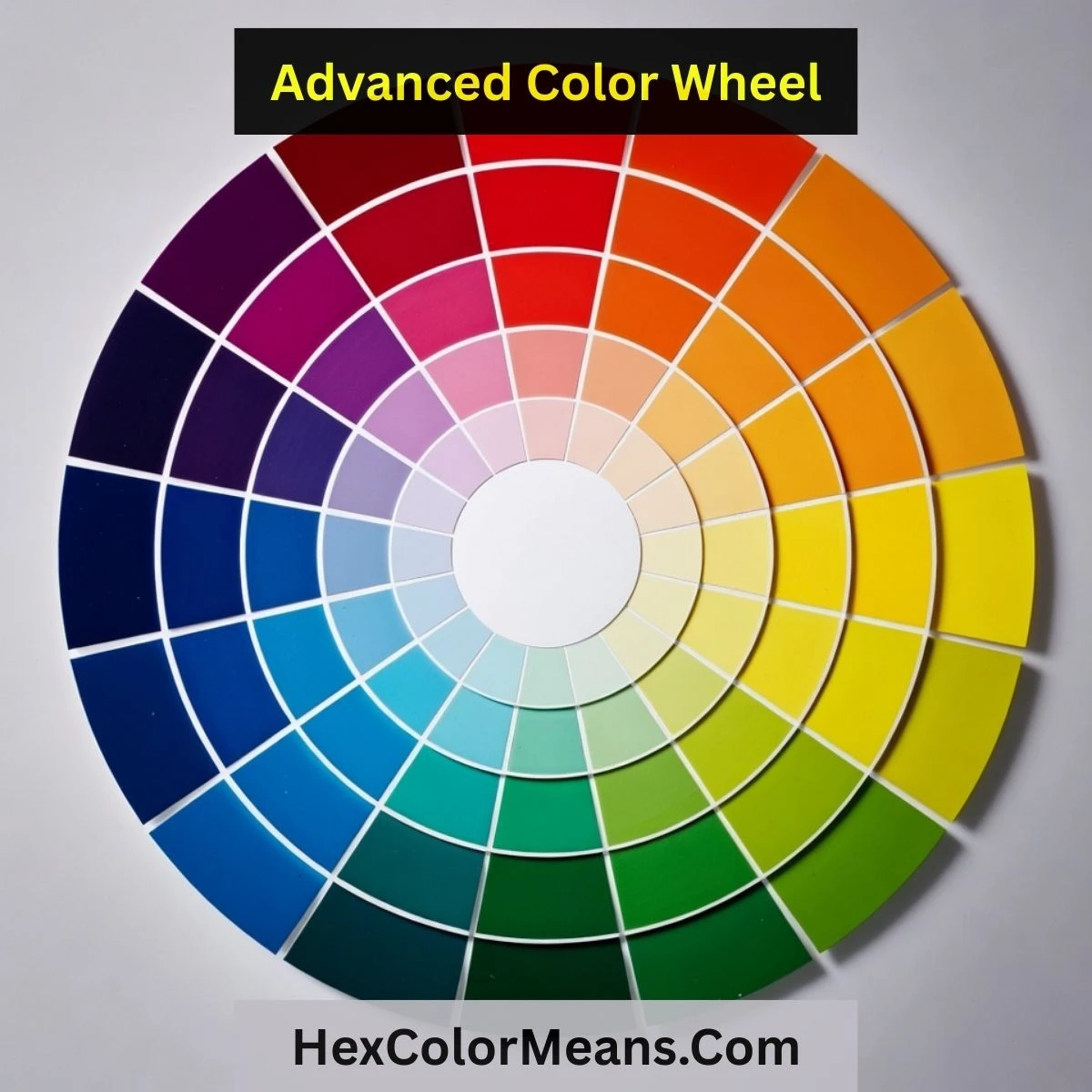
The color wheel is the essential tool for anyone working with visuals. It bridges the gap between raw intuition and mathematical precision. By understanding how colors relate on a circular spectrum, you remove the guesswork from design.
For developers, it ensures UI components meet accessibility standards through high contrast. For designers, it provides a structured way to build emotional connection with users. A well-chosen chromatic scheme can make a brand feel trustworthy, exciting, or calm within seconds of interaction.
Understanding Color Harmonies
Explore the core geometric relationships that define professional color theory.
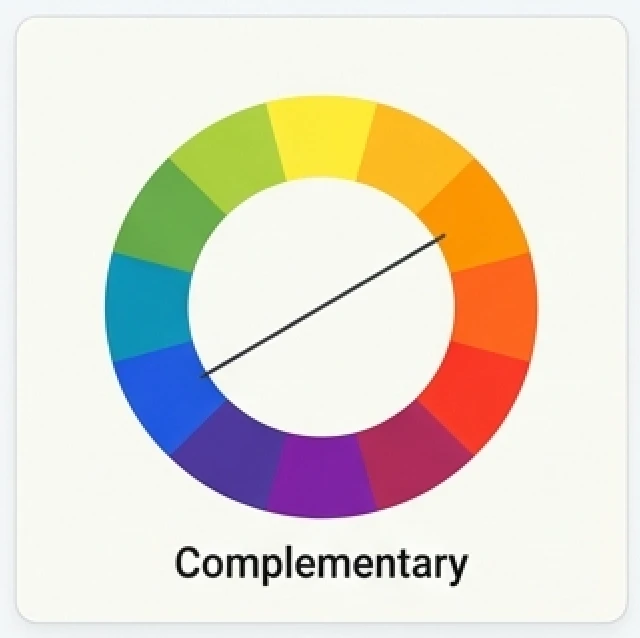
Complementary
Complementary colors are pairs of hues that reside directly opposite each other on the chromatic wheel. This relationship creates the highest possible level of visual contrast and vibration. Designers use this scheme to make specific elements pop against a background. It is perfect for calls-to-action and important highlights.
Analogous
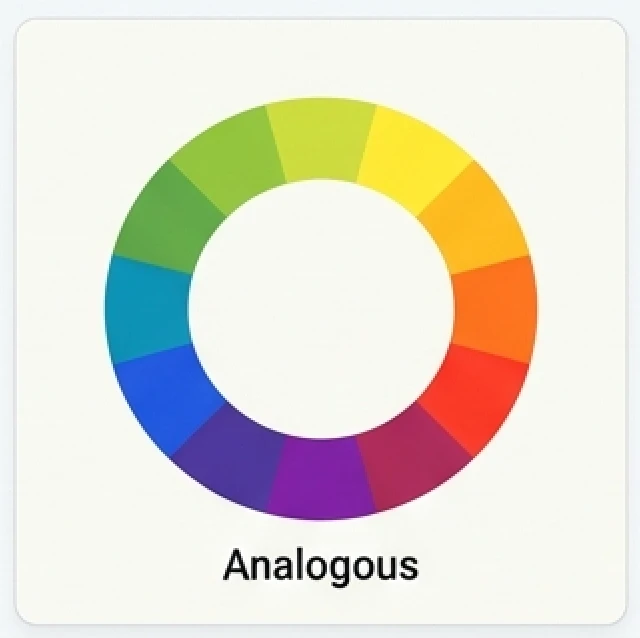
Analogous harmonies consist of three colors that sit side-by-side on the color wheel. These palettes are naturally pleasing to the eye because they often appear in nature. They create a serene and comfortable design experience. When using this harmony, designers typically pick one dominant color and use the others as subtle accents.
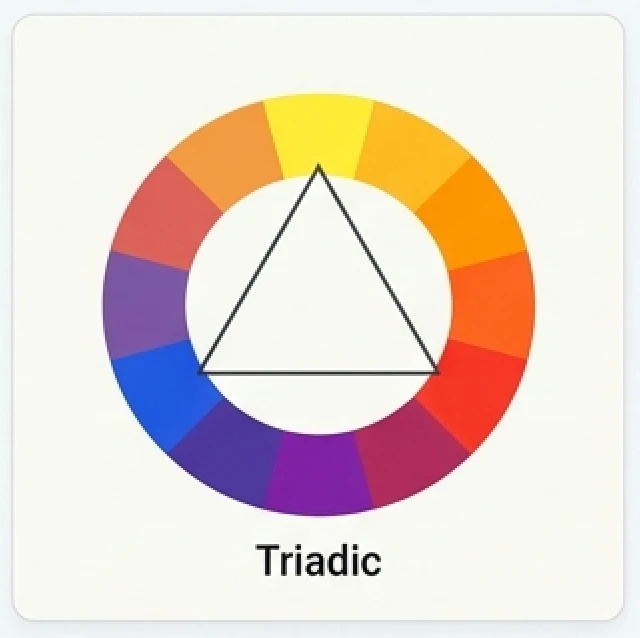
Triadic
A triadic color harmony uses three colors that are evenly spaced around the wheel, forming a perfect equilateral triangle. This scheme tends to be quite vibrant and rich, even if you use unsaturated or pale versions of the hues. It provides a high level of visual balance while maintaining a professional and diverse aesthetic.
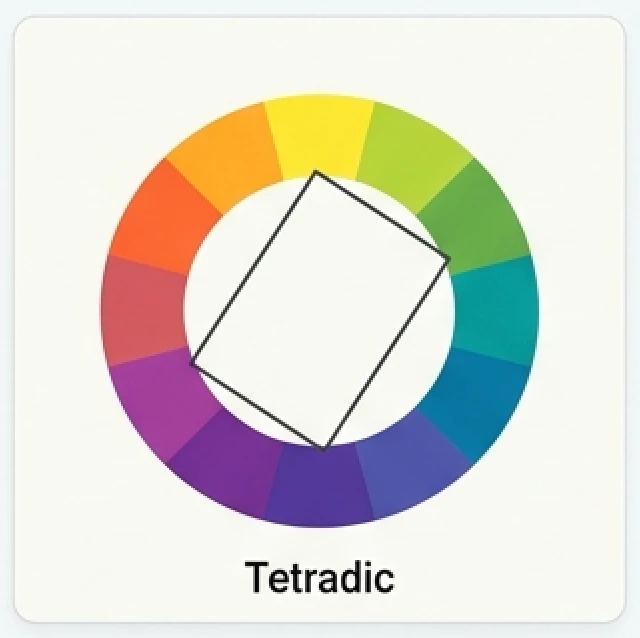
Tetradic (Rectangle)
Tetradic harmonies use four colors arranged into two complementary pairs. On the chromatic wheel, these points form a rectangle. This scheme is incredibly varied and offers plenty of room for creative expression. To maintain balance, it is best to choose one primary color and use the remaining three as supporting accents throughout the design.
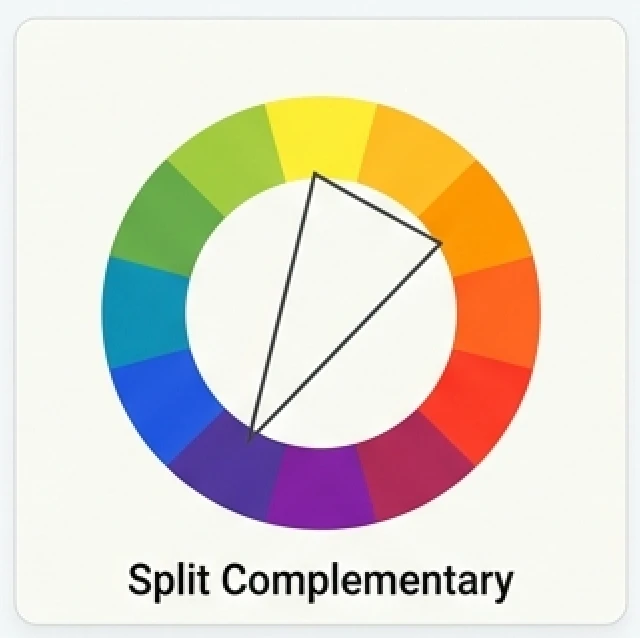
Split Complementary
The split-complementary harmony is a variation of the standard complementary scheme. It uses one base color and the two colors located adjacent to its complement. This provides strong visual contrast similar to a complementary palette but with significantly less tension. It is a safer choice for beginners who want high contrast without visual clashing.
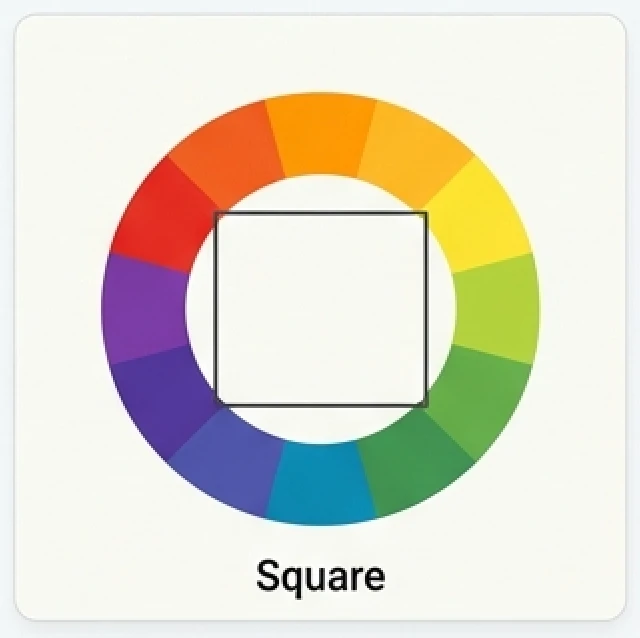
Square
The square harmony is similar to the tetradic scheme, but all four colors are spaced evenly around the color wheel (90 degrees apart). This creates a perfect square shape. It offers a great balance between warm and cool tones. Like the tetradic harmony, you should pay attention to color dominance to avoid a messy or overwhelming visual result.
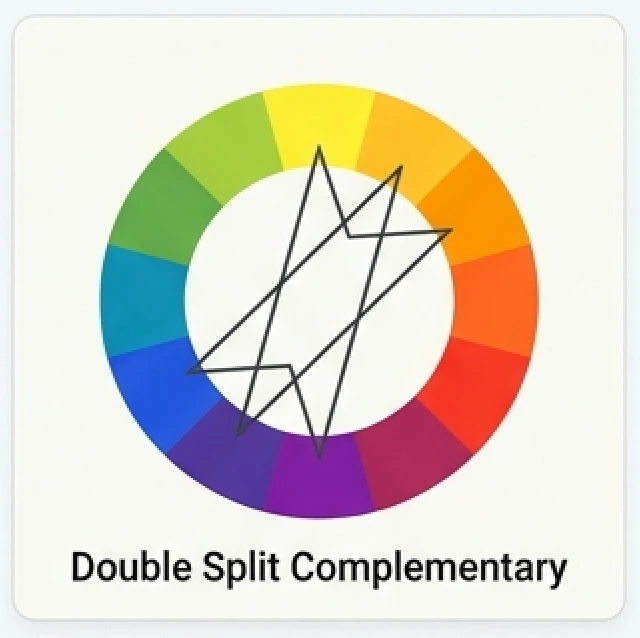
Double Split Complementary
This is a complex and sophisticated harmony that involves five distinct colors. It uses a base hue, its two adjacent colors, and the colors adjacent to its direct complement across the wheel. Designers use this for highly detailed illustrations and complex UI systems where a wide variety of hues must exist in a controlled, harmonic state.
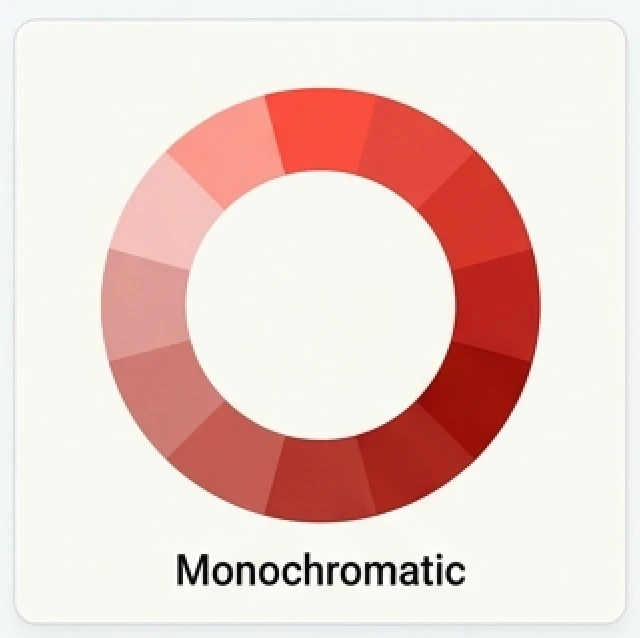
Monochromatic
Monochromatic harmonies utilize varying tones, shades, and tints of a single hue. By adjusting the saturation and luminance, you create a cohesive and elegant look that is impossible to clash. This is the most reliable way to create a professional design that feels unified and sophisticated. It works exceptionally well for clean, modern interfaces.