
How to Use the Color Picker
Using our interactive color selector is simple and fast. Follow these steps to find and export your perfect color:
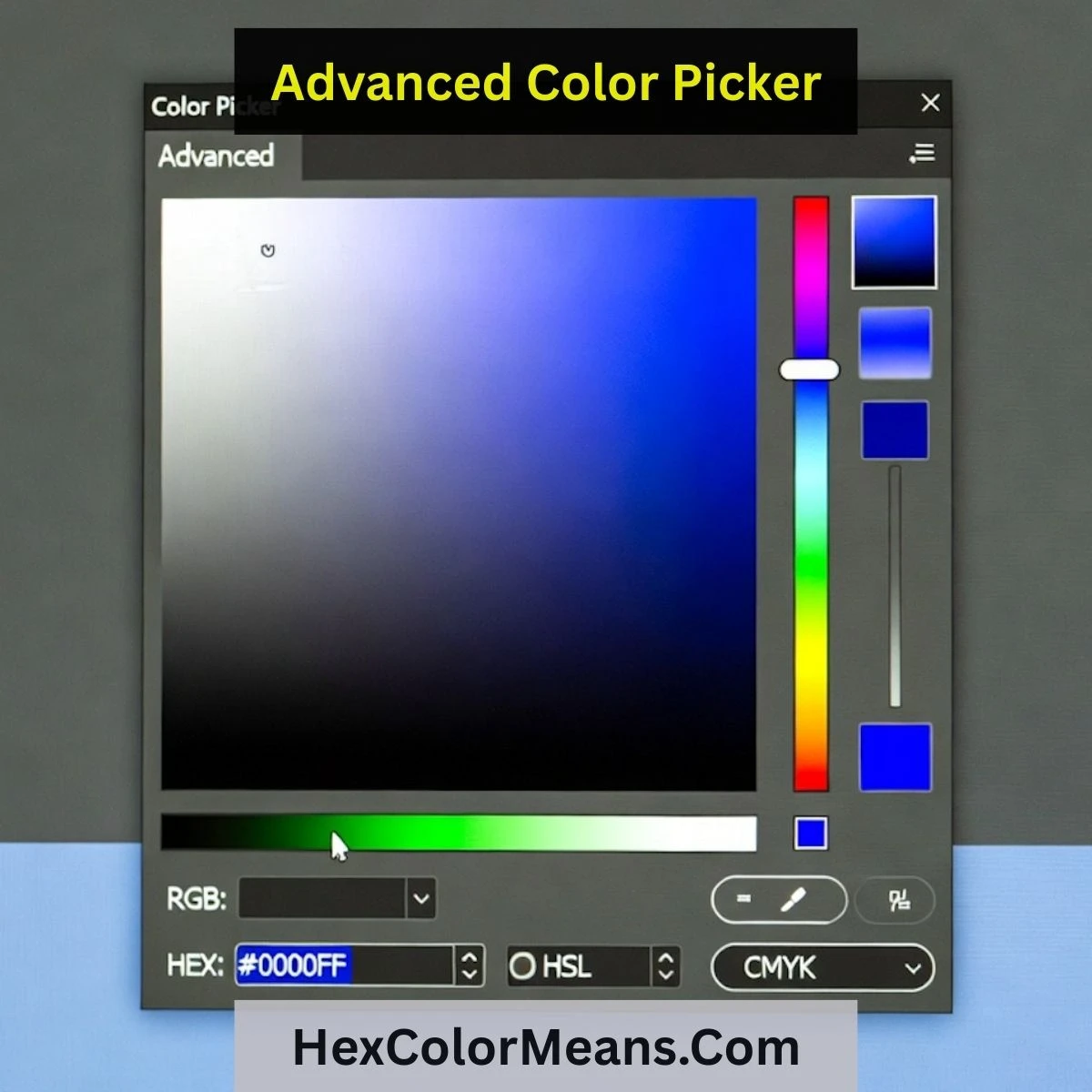
- 1Click or drag on the primary color canvas to find your base hue.
- 2Use the vertical slider to adjust the lightness and intensity of the color.
- 3View the real-time preview in the output box as you navigate the spectrum.
- 4Automatically generate HEX, RGB, and HSL codes as you make your choice.
- 5Copy the code with one click to use directly in your CSS, HTML, or design tool.
Why Use a Precision Color Picker?
A precision color picker is more than just a selector; it is a fundamental tool for digital branding and UI consistency. By choosing colors based on exact mathematical values, you ensure that your brand identity remains uniform across every device, screen, and platform.
For developers, a reliable HTML color picker removes the guesswork from translating designs into code. It allows for the rapid generation of accessible color variants, ensuring your interface is not only beautiful but also inclusive. High-precision color selection is the key to building trust through visual professionalism.
Key Tool Features
Perceptual Control
Directly manipulate HSL values for intuitive color scaling, shadows, and state generation in your UI design system.
Format Flexibility
Export your selections instantly in HEX, RGB, or HSL formats—the global standards for modern web development and digital art.
Accessibility Ready
Use precision lightness controls to ensure your color choices meet contrast standards and provide an inclusive user experience.
Real-time Preview
Visualize your color choices instantly on a large scale. See how your picked hue looks across different brightness levels.